SCORM authoring, native on iPad and Apple Silicon Mac

Build, inspect and ship SCORM on iPad and Apple Silicon Mac.

A canvas authoring tool, an on-device PowerPoint importer, and a runtime inspector that reads the calls your LMS actually makes. Every part runs locally, so your course content and learner data never leave the device.

Runs on device No account Nothing uploaded

Requires iPadOS 18 or an Apple Silicon Mac · SCORM 1.2
inspector · runtime trace
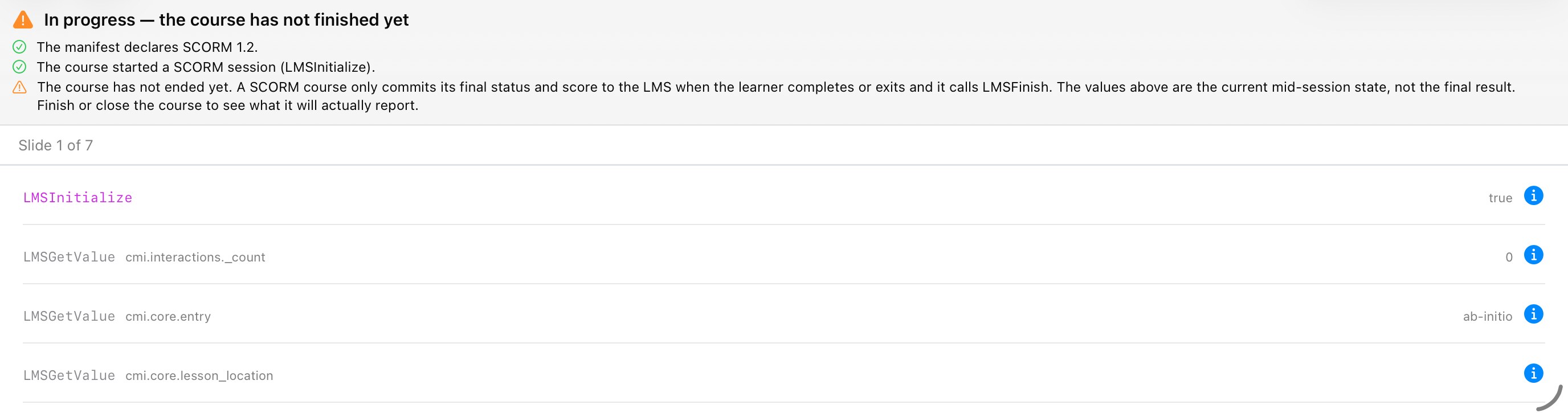
The inspector showing SCORM 1.2 validation checks and the live LMS API calls
One studio, three tools

Everything the standard needs, without the desktop-suite baggage.

Most SCORM work is split across a heavyweight authoring suite and a separate validator. SCORM Studio folds authoring, import and inspection into one place.

// author

Canvas authoring

Lay out blocks, interactions and knowledge checks on a real canvas. Structure the manifest visually and let the compiler handle the packaging.

// import

PowerPoint import

Drop in a .pptx and get editable slides. Parsed entirely on device by a purpose-built OOXML engine, no upload and no server round trip.

// inspect

Runtime inspector

Load any package and watch the SCORM API in real time. Validate the manifest, trace every call and catch data-model errors before your LMS does.

free, always
See it in action

The whole workflow, on a tablet.

From a blank course or an imported deck, through authoring and live inspection, to a packaged export. All on device.

Start anywhere
// home

Start anywhere

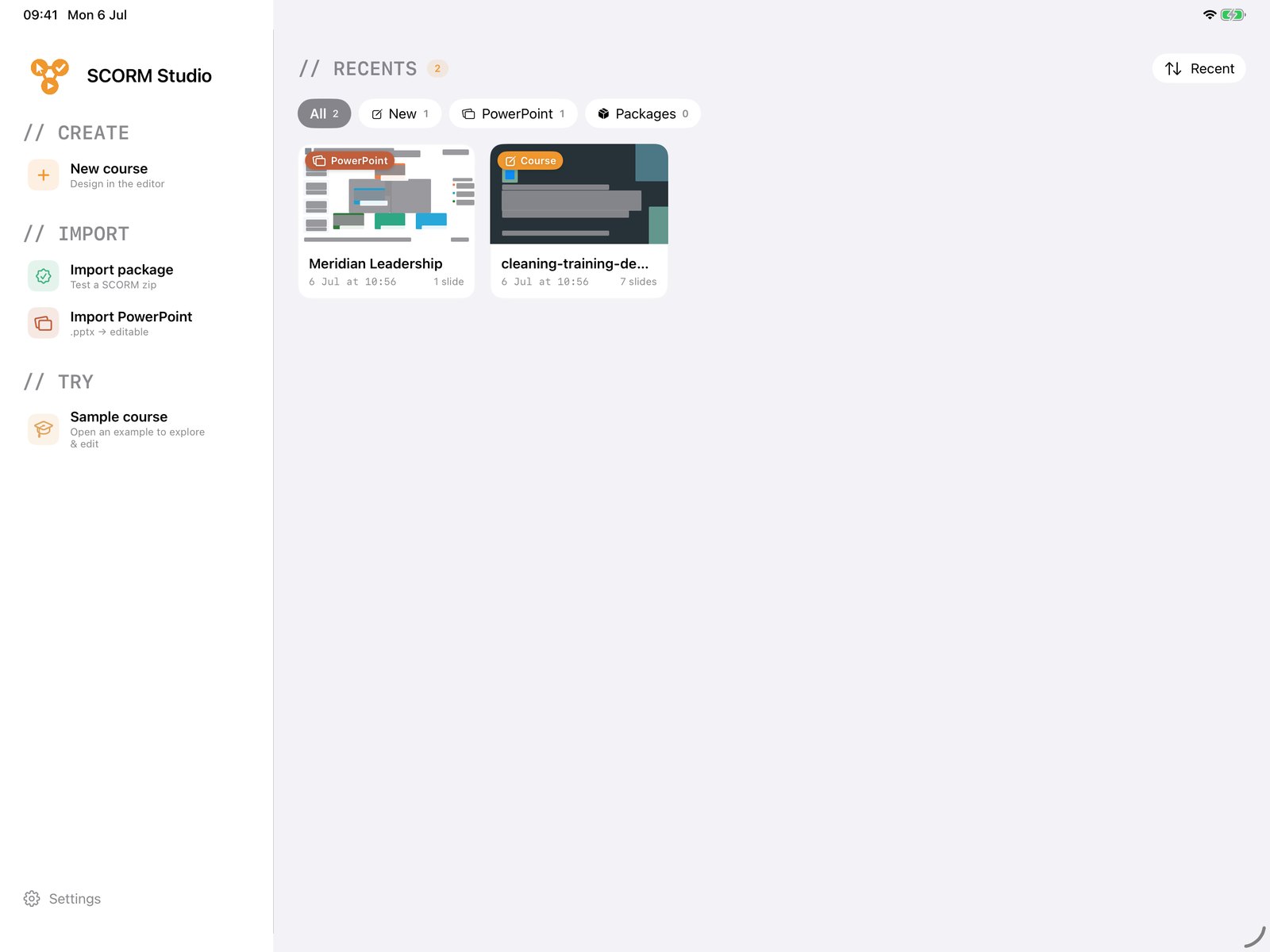
Begin from a blank course, import a PowerPoint deck, or load a SCORM package to inspect. Your recent work sits right on the home screen.

PowerPoint comes in editable
// import

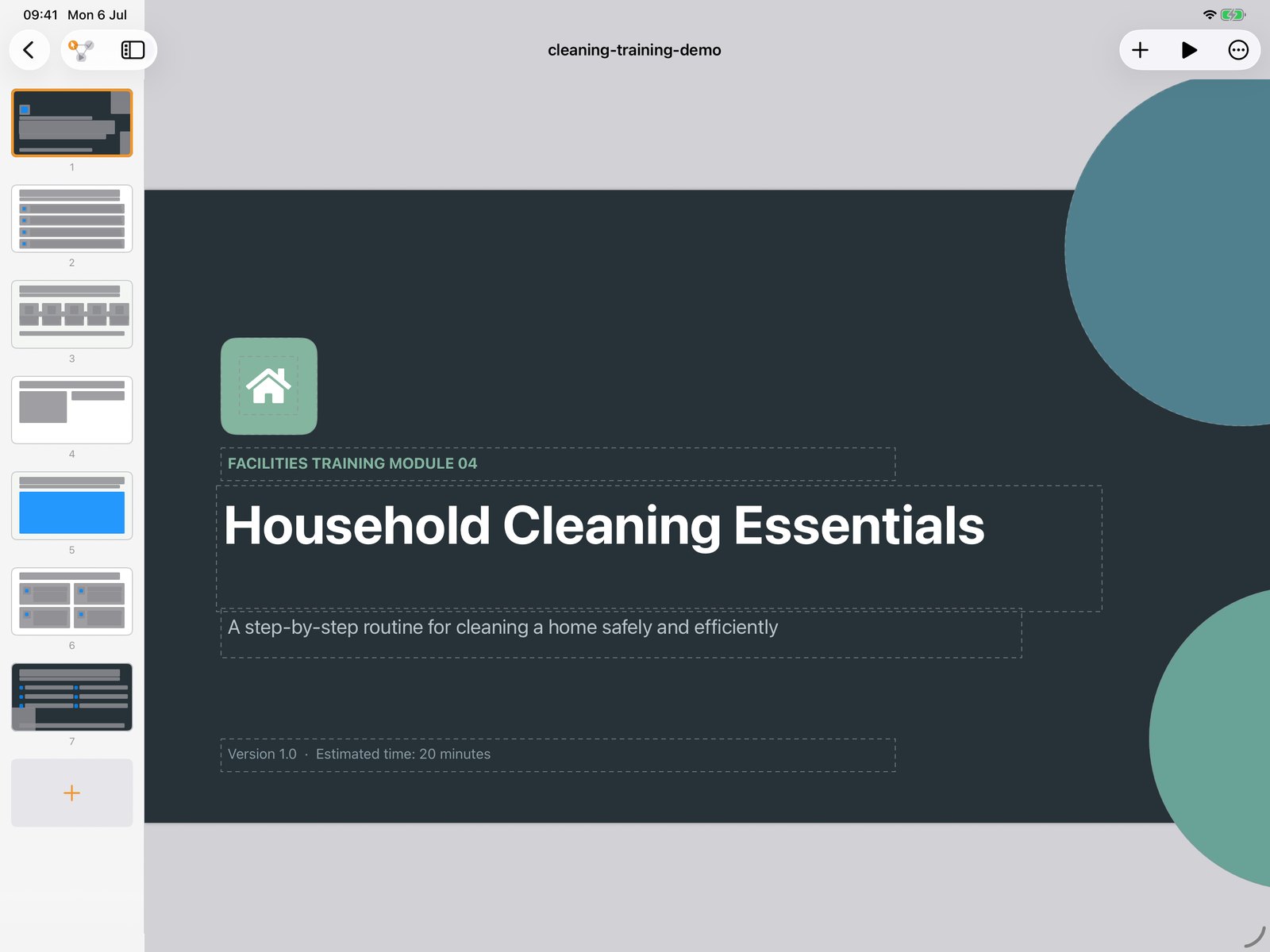
PowerPoint comes in editable

Drop in a .pptx and it becomes real, editable slides on the device. Shapes, text and even SmartArt diagrams carry across, parsed locally with no upload.

Build on a real canvas
// author

Build on a real canvas

Lay out each slide on a proper canvas, with a slide list down the side to reorder and structure the whole course.

Watch the runtime live
// inspect

Watch the runtime live

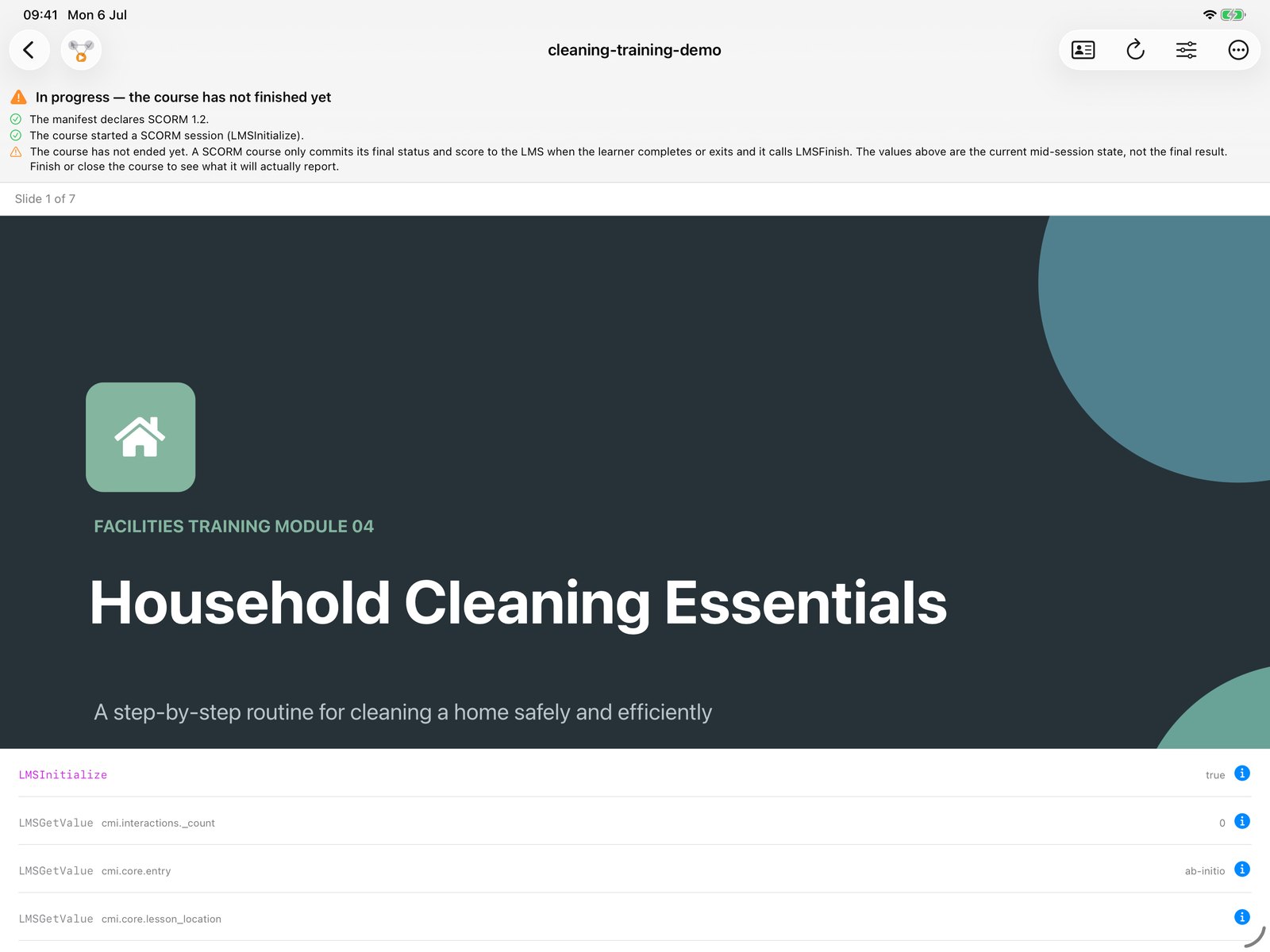
Play any course and see the SCORM API as it happens. The inspector separates mid-session state from the final result, so you catch issues before your LMS does.

Add a graded assessment
// assess

Add a graded assessment

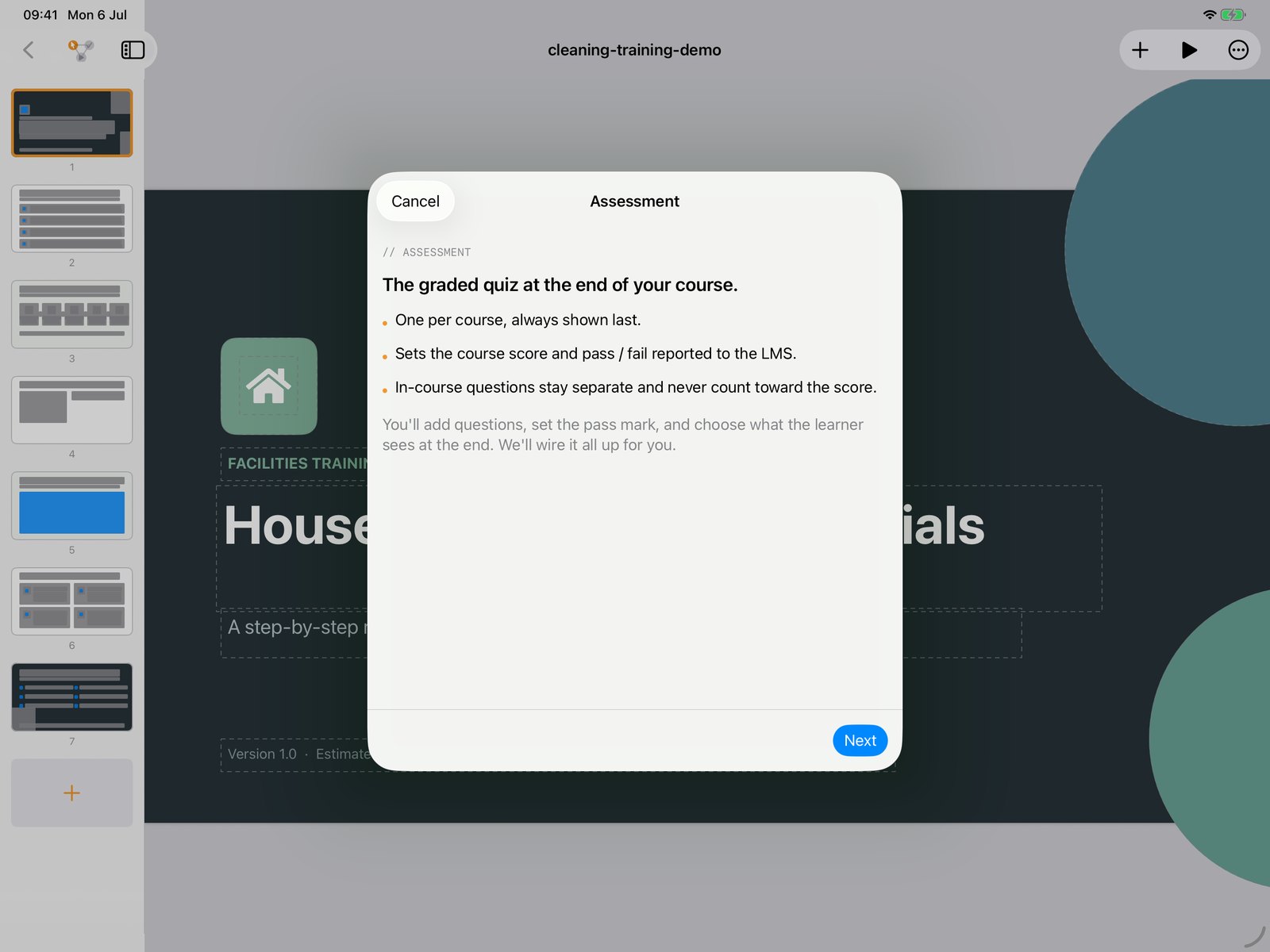
A guided flow adds the end-of-course quiz, sets the pass mark, and wires the score and pass or fail back to the LMS for you.

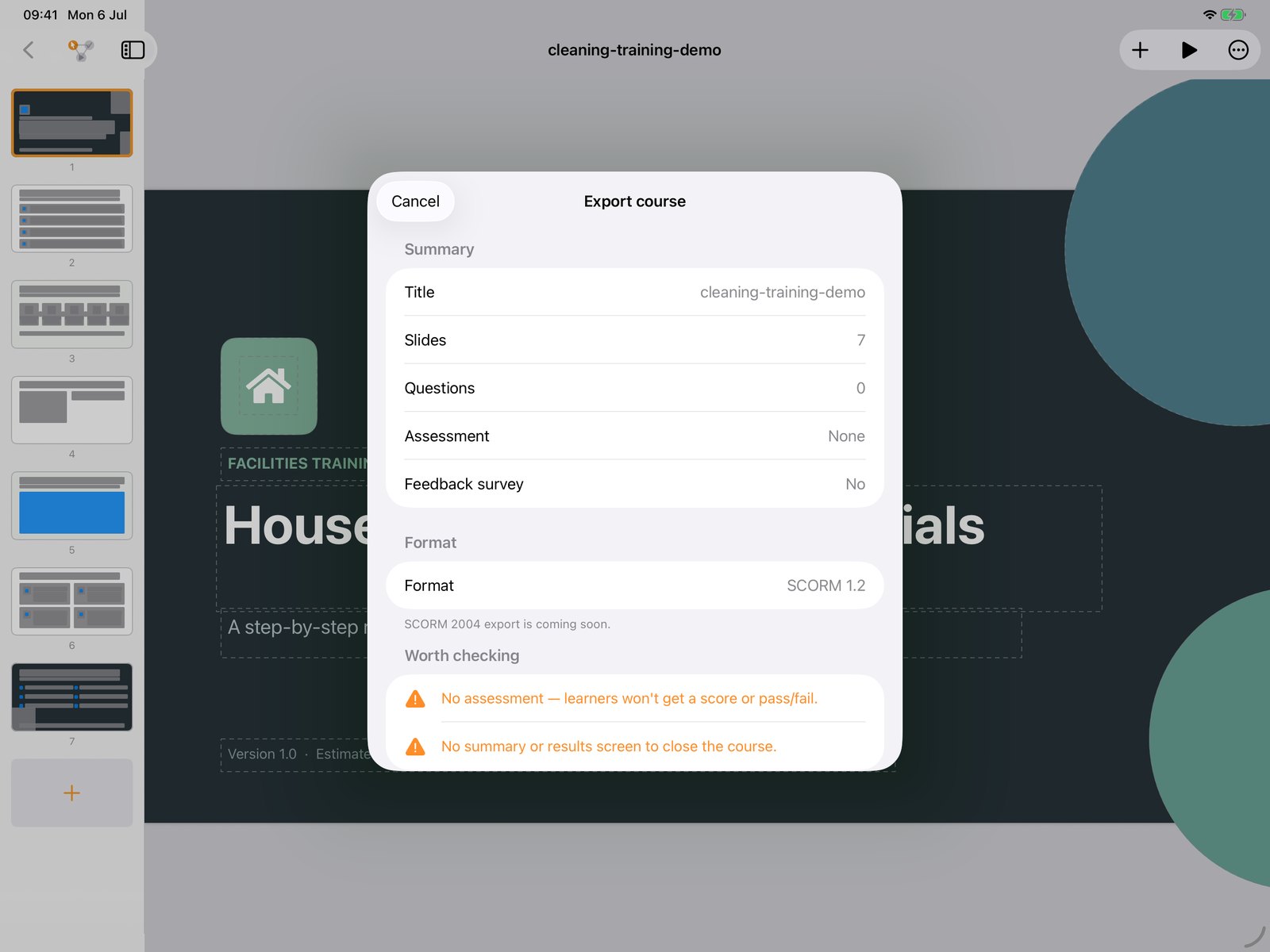
Export a clean package
// export

Export a clean package

Review the course, then export SCORM 1.2 with checks that flag missing pieces, like a course with no assessment, before you ship it.

The inspector is free

Read the layer your LMS keeps to itself.

Open a package built anywhere, from any tool, and SCORM Studio validates it against the spec, resolves every resource and shows you exactly what breaks. It all happens on device, so you can check confidential packages without ever handing them to a web-based validator. No account, no upload.

imsmanifest.xml — valid against SCORM 1.2
launch file — resolved: res/index.html
resources — 42 of 42 referenced files found
data model — score.raw exceeds max (0..100)
sequencing — no orphaned items
On-device OOXML

Your slides in, a course out.

SCORM Studio ships its own PowerPoint parser, so a deck becomes editable slides right on the device. Shapes, text and layout come across ready to build on.

Nothing ever leaves the device. The parse, the authoring and the export all run locally, so sensitive training content is never uploaded to a third-party server.

.pptxyour deck
OOXMLparsed locally
.zipSCORM package
Pricing

Inspect for free. Own the full studio for a single price.

Inspector
Free
Load, validate and trace any package
  • Runtime inspector and validator
  • Manifest and resource checks
  • No account, no sign-up
Full app
£79.99
One-time purchase, no subscription
  • Canvas authoring
  • PowerPoint import
  • Export SCORM 1.2 packages
  • All future updates included

// buy once, use on iPad and Mac